

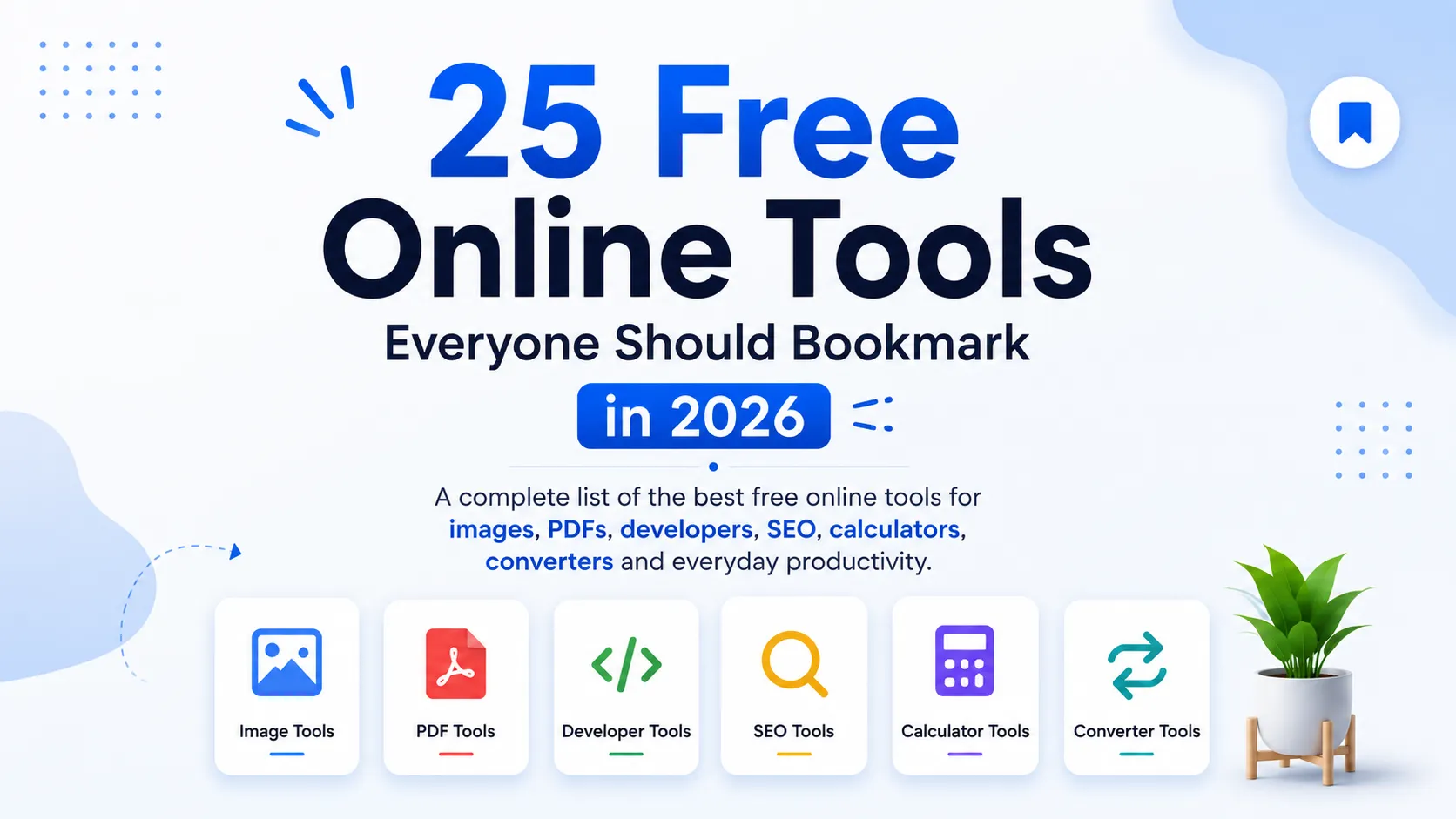
25 Free Online Tools Everyone Should Bookmark in 2026
The internet has become the workplace for millions of people. Whether you're editing documents, compressing images, writing code, calculating finances, or improving your website's SEO, having the right free online tools can save hours every week.
Instead of downloading heavy software, you can complete most everyday tasks directly in your browser. Modern web tools are faster, more secure, and accessible from any device, making them ideal for students, professionals, developers, marketers, and business owners.
In this guide, you'll discover 25 free online tools worth bookmarking in 2026. We'll explain what each tool does, who should use it, and when it can save you valuable time.
Why Are Free Online Tools So Popular in 2026?
Free online tools are browser-based applications that help users complete common tasks such as editing PDFs, compressing images, formatting code, calculating values, and optimizing websites without installing software. They are fast, accessible from anywhere, and often work across all major devices.
The popularity of browser-based tools continues to grow because they offer several advantages:
- No installation required
- Works on Windows, macOS, Linux, Android, and iPhone
- Saves storage space
- Easy to use
- Accessible from anywhere
- Frequently updated
- Many tools are completely free
Whether you're working remotely, studying, or running a business, online tools help you complete tasks more efficiently.
What Makes a Great Online Tool?
Not every online tool is worth bookmarking. The best ones share a few important characteristics.
| Feature | Why It Matters |
|---|---|
| Fast Performance | Saves time during daily work |
| Simple Interface | Easy for beginners |
| Secure Processing | Protects your files and privacy |
| Mobile Friendly | Works on phones and tablets |
| Accurate Results | Produces reliable outputs |
| No Software Installation | Works instantly in the browser |
| Free Access | No hidden costs for essential features |
When choosing online tools, always prefer trusted platforms that clearly explain how your files are processed and protected.
1. Image Compressor
Large images slow down websites and take longer to upload.
An Image Compressor reduces file size while maintaining good visual quality. This is especially useful for bloggers, photographers, eCommerce stores, and website owners.
Common use cases include:
- Website optimization
- Faster email attachments
- Social media uploads
- Portfolio websites
- Online stores
Pro Tip: Compress images before uploading them to improve page speed and user experience.
2. PDF Merger
Managing multiple PDF files can quickly become frustrating.
A PDF Merger combines several PDF documents into a single file in just a few clicks.
Perfect for:
- Students submitting assignments
- HR professionals
- Legal documentation
- Business reports
- Project documentation
Try: PDF Merge tool
3. JSON Formatter
Developers frequently work with JSON data.
A JSON Formatter automatically beautifies messy JSON, making it easier to read, debug, and validate.
Benefits include:
- Better readability
- Faster debugging
- Error detection
- API testing
- Cleaner code
Try: JSON Formatter tool
Need More Productivity Tools?
If you regularly work with documents, images, or code, explore the complete collection on the TechbyJeel Tools homepage. You'll find dozens of browser-based utilities designed to simplify everyday tasks without installing software.
4. Image Converter
Different platforms require different image formats.
An Image Converter lets you quickly convert between popular formats such as:
- JPG
- PNG
- WEBP
- GIF
- BMP
This helps maintain compatibility while optimizing storage and quality.
5. PDF Splitter
Sometimes you only need a few pages from a large PDF.
Instead of sharing the entire document, a PDF Splitter extracts only the pages you need.
Common scenarios include:
- Sharing invoices
- Sending contracts
- Academic papers
- Client presentations
6. Color Picker
Designers and developers often need exact color values.
A Color Picker helps identify colors and provides codes like:
- HEX
- RGB
- HSL
This ensures consistency across websites, apps, and branding materials.
7. CSS Minifier
Website performance matters more than ever.
A CSS Minifier removes unnecessary spaces, comments, and formatting from CSS files, reducing their size and improving loading speed.
It's particularly useful for:
- Front-end developers
- Website owners
- Freelancers
- Agencies
For CSS best practices, refer to the Mozilla Developer Network (MDN): https://developer.mozilla.org/ (open in a new tab).
8. HTML Formatter
Messy HTML is difficult to maintain.
An HTML Formatter automatically organizes your code with proper indentation, making it easier to edit and debug.
Useful for:
- Students learning HTML
- Front-end developers
- Website maintenance
- Code reviews
9. Password Generator
Weak passwords remain one of the biggest security risks online.
A Password Generator creates strong passwords containing:
- Uppercase letters
- Lowercase letters
- Numbers
- Symbols
Strong passwords significantly reduce the risk of unauthorized access.
For password guidance, see the National Institute of Standards and Technology (NIST): https://pages.nist.gov/800-63-3/ (open in a new tab).
10. QR Code Generator
QR codes are now used everywhere.
Businesses use them for:
- Restaurant menus
- Payment links
- Business cards
- Event registration
- Wi-Fi sharing
- Product packaging
A QR Code Generator allows you to create custom QR codes in seconds.
11. Unit Converter
Need to convert kilometers to miles?
Or kilograms to pounds?
A Unit Converter instantly handles hundreds of common conversions, making it valuable for:
- Students
- Engineers
- Travelers
- Professionals
No manual calculations required.
12. Percentage Calculator
Percentage calculations appear in everyday life.
Examples include:
- Shopping discounts
- Exam scores
- Business growth
- Sales tax
- Investment returns
A Percentage Calculator eliminates calculation mistakes and saves time.
13. EMI Calculator
Planning to buy a home, car, or personal loan?
An EMI Calculator estimates:
- Monthly payments
- Total interest
- Loan repayment schedule
This helps users make informed financial decisions before applying for loans.
Summary So Far
We've covered tools that help with:
- Image optimization
- PDF management
- Web development
- Coding
- Security
- Design
- Productivity
- Financial calculations
In the next section, we'll explore more essential tools for SEO professionals, developers, content creators, marketers, and everyday users, along with practical recommendations for choosing the right tool for each task.
14. Base64 Encoder & Decoder
Developers often need to encode or decode data when working with APIs, authentication, or configuration files.
A Base64 Encoder & Decoder converts plain text into Base64 format and back again without requiring additional software.
Common use cases include:
- API development
- Email encoding
- Data transfer
- Web development
- Authentication tokens
Tip: Base64 is an encoding method, not encryption. Never use it to protect sensitive information.
15. URL Encoder & Decoder
URLs sometimes contain spaces or special characters that can break links or API requests.
A URL Encoder & Decoder converts these characters into a web-safe format and helps decode encoded URLs for easier debugging.
Useful for:
- Developers
- SEO professionals
- Digital marketers
- API testing
16. Hash Generator
A Hash Generator creates fixed-length hash values using algorithms such as:
- MD5
- SHA-1
- SHA-256
- SHA-512
Developers use hashes to verify file integrity, store passwords securely (with proper hashing practices), and compare data.
For cryptographic standards, refer to the National Institute of Standards and Technology (NIST):
https://csrc.nist.gov/ (opens in a new tab)
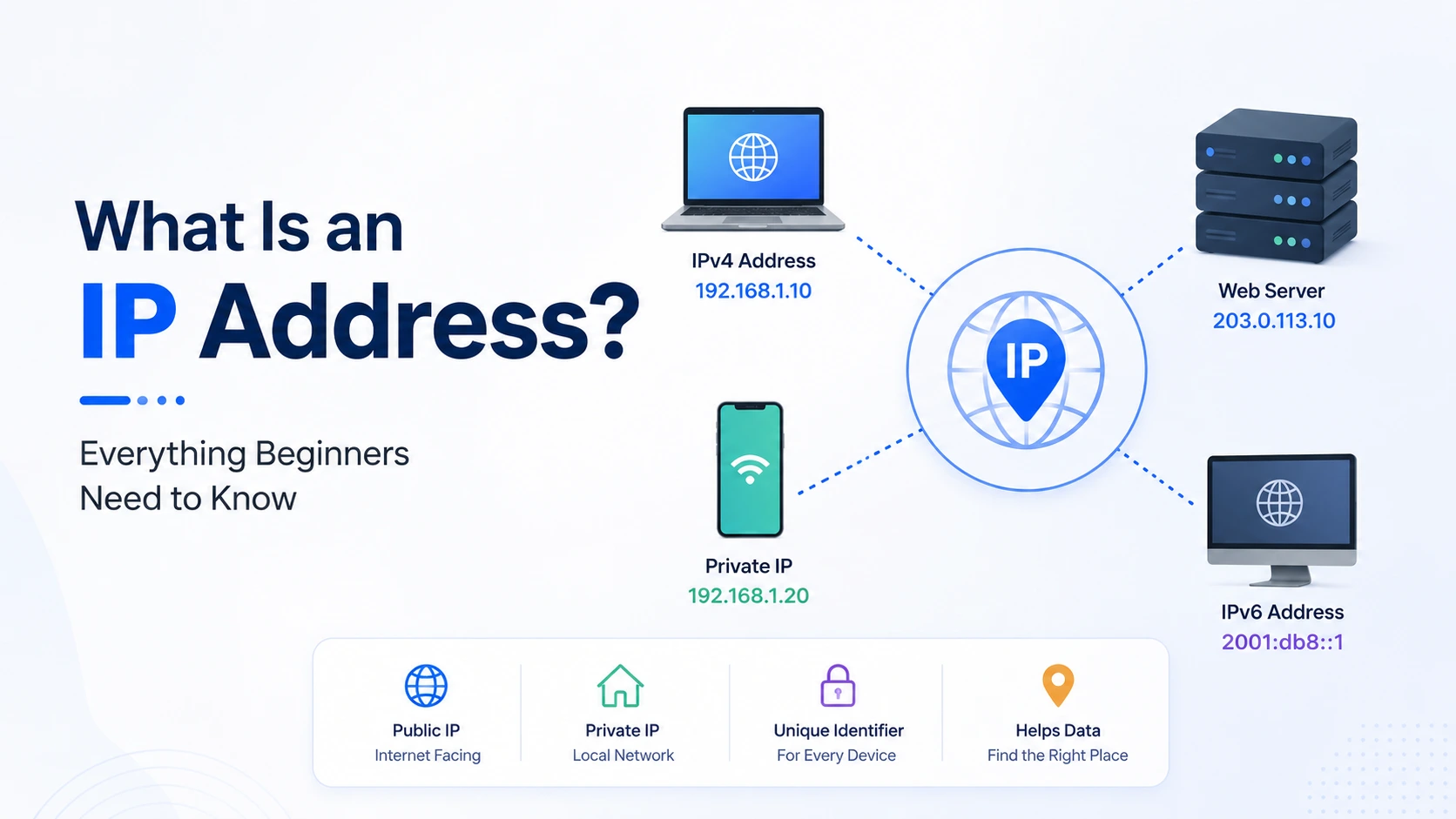
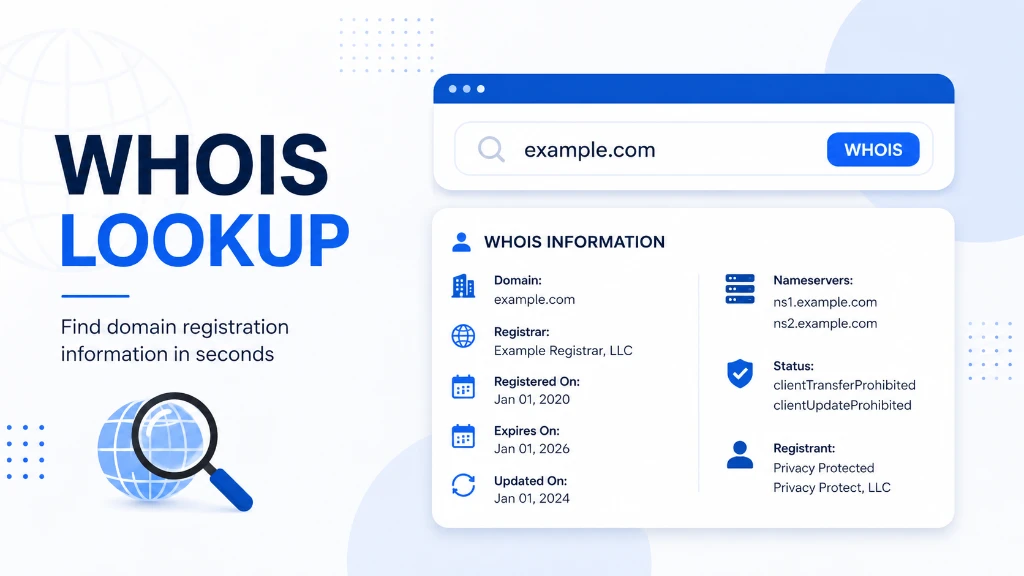
17. IP Address Lookup
Ever wondered where an IP address is located?
An IP Lookup tool provides useful information such as:
- Approximate location
- ISP
- ASN
- Country
- Region
- Time zone
This tool is especially useful for network administrators, cybersecurity professionals, and website owners troubleshooting traffic issues.
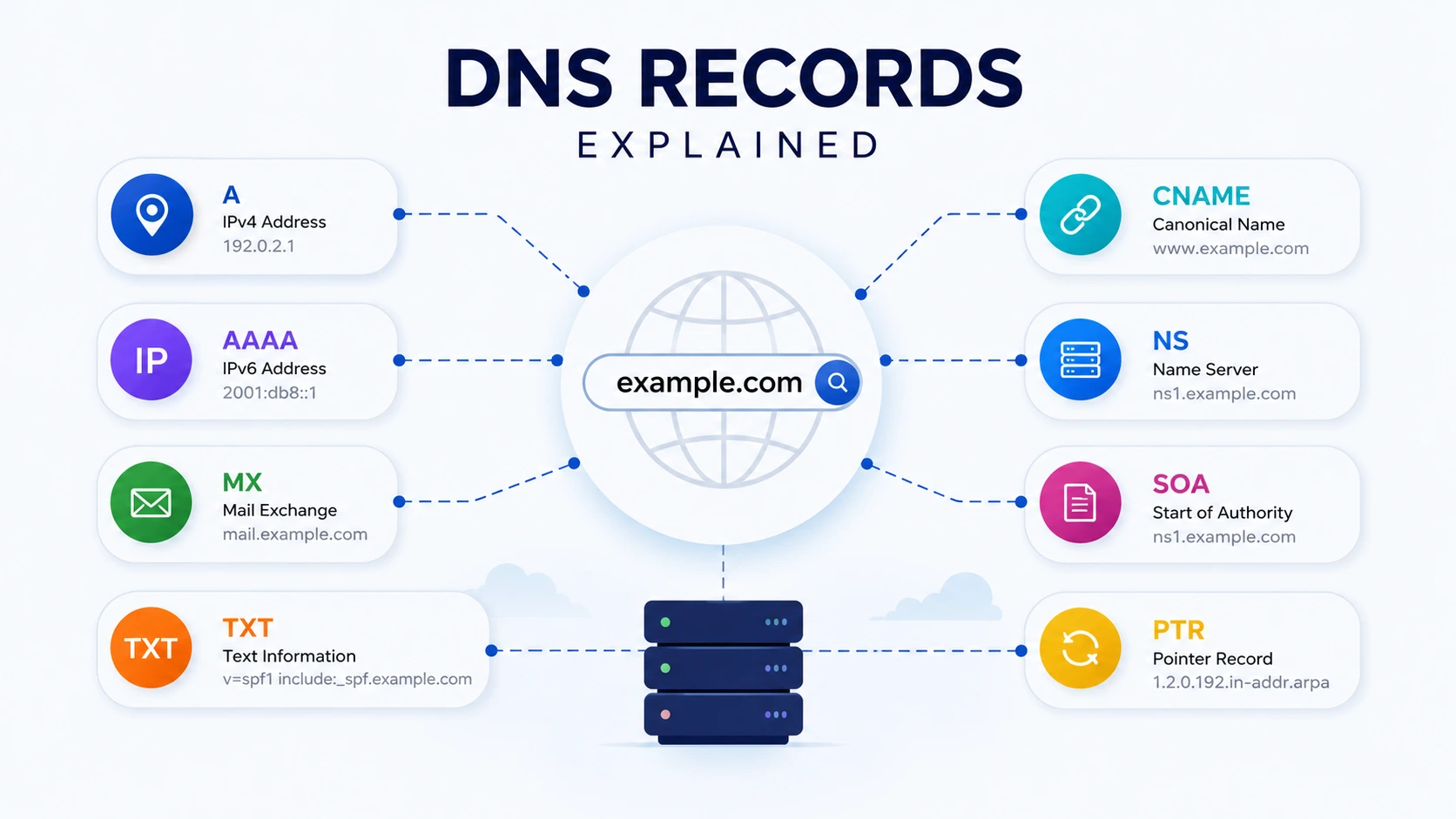
18. DNS Lookup
When a website isn't loading correctly, DNS issues are often the culprit.
A DNS Lookup tool helps you inspect records such as:
- A Record
- AAAA Record
- MX Record
- TXT Record
- NS Record
- CNAME Record
It's a valuable diagnostic tool for developers, DevOps engineers, and IT administrators.
19. SSL Certificate Checker
Website security starts with HTTPS.
An SSL Checker verifies:
- Certificate validity
- Expiration date
- Issuing authority
- Certificate chain
Regularly checking SSL certificates helps prevent security warnings and improves visitor trust.
For HTTPS guidance, visit Cloudflare Learning Center:
https://www.cloudflare.com/learning/ssl/what-is-ssl/ (opens in a new tab)
20. Keyword Density Checker
Content creators and SEO professionals often want to know whether they've overused or underused important keywords.
A Keyword Density Checker analyzes content and reports:
- Keyword frequency
- Density percentage
- Repeated phrases
- Overall optimization
Remember, write naturally for readers first. Keyword density is only one small part of modern SEO.
21. Meta Tag Generator
Every webpage should include optimized metadata.
A Meta Tag Generator helps create:
- SEO titles
- Meta descriptions
- Robots tags
- Open Graph tags
- Twitter Card tags
This saves time while following SEO best practices.
22. Word Counter
Whether you're writing a blog, essay, or social media post, word count matters.
A Word Counter quickly shows:
- Words
- Characters
- Sentences
- Paragraphs
- Reading time
Writers, students, and marketers use it daily.
23. Lorem Ipsum Generator
Need placeholder text while designing a webpage?
A Lorem Ipsum Generator instantly creates sample paragraphs for:
- Website mockups
- UI design
- Templates
- Presentations
This allows designers to focus on layout before final content is available.
24. Age Calculator
An Age Calculator determines exact age using a birth date.
It typically calculates:
- Years
- Months
- Days
- Total days lived
Useful for forms, official documents, education, and personal planning.
25. File Size Converter
Storage units can be confusing.
A File Size Converter converts between:
- Bytes
- KB
- MB
- GB
- TB
This tool is especially useful when checking upload limits, cloud storage usage, or hosting requirements.
Which Free Online Tool Should You Use?
The best tool depends on the task you're trying to complete.
| Need | Recommended Tool |
|---|---|
| Compress images | Image Compressor |
| Combine PDFs | PDF Merger |
| Convert image formats | Image Converter |
| Format JSON | JSON Formatter |
| Improve SEO | Keyword Density Checker |
| Generate passwords | Password Generator |
| Check SSL | SSL Certificate Checker |
| Debug DNS | DNS Lookup |
| Calculate loans | EMI Calculator |
| Count words | Word Counter |
Instead of installing multiple desktop applications, you can complete these tasks directly in your browser.
Tips for Choosing Reliable Online Tools
Before using any browser-based utility, keep these best practices in mind:
Prioritize Security
- Look for HTTPS.
- Avoid uploading sensitive files to unknown websites.
- Read the privacy policy if you're handling confidential documents.
Check Accuracy
A reliable tool should produce consistent and accurate results every time.
Choose Clean Interfaces
Simple, distraction-free interfaces improve productivity and reduce mistakes.
Bookmark Frequently Used Tools
Creating a browser folder for your favorite online tools saves time and keeps your workflow organized.
Explore More Free Tools on TechbyJeel Tools
Whether you're a student, developer, designer, marketer, or business owner, TechbyJeel Tools offers a growing collection of free browser-based utilities.
You can explore tools for:
- Image editing
- PDF management
- Text formatting
- Developer utilities
- CSS tools
- SEO optimization
- Financial calculations
- File conversions
- Network diagnostics
- Health calculators
- Encoding utilities
Related resources:
Conclusion
Free online tools have become an essential part of everyday work. They help you complete common tasks faster, reduce the need for software installations, and improve productivity from any device.
The 25 free online tools featured in this guide cover everything from image optimization and PDF management to SEO, development, finance, and networking. Bookmark the ones you use most often to simplify your daily workflow.
As new browser technologies continue to evolve, online tools will only become more powerful and accessible. Choosing reliable, secure, and easy-to-use tools can save you time while improving the quality of your work.
Ready to work smarter? Explore more free online tools on TechbyJeel Tools, discover new utilities, and bookmark your favorites to stay productive throughout 2026 and beyond.
Frequently Asked Questions
1. What are free online tools?
Free online tools are browser-based applications that let you perform tasks such as image compression, PDF editing, code formatting, SEO analysis, and calculations without installing software. Most work on any modern device with an internet connection.
2. Are online tools safe to use?
Reputable online tools are generally safe, especially when they use HTTPS and explain how files are processed. For confidential documents, always review the privacy policy and avoid uploading sensitive information to unknown websites.
3. Which online tools are most useful for students?
Students commonly benefit from PDF tools, word counters, unit converters, calculators, QR code generators, and image compression tools. These utilities simplify assignments, presentations, and research while saving time.
4. Which tools are useful for developers?
Developers frequently use JSON formatters, HTML formatters, CSS minifiers, Base64 encoders, URL encoders, hash generators, DNS lookup tools, and SSL certificate checkers to streamline development and troubleshooting.
5. Why should I bookmark browser-based tools?
Bookmarking trusted browser-based tools gives you quick access whenever you need them. Instead of searching repeatedly or installing software, you can complete tasks instantly from any computer or mobile device.